
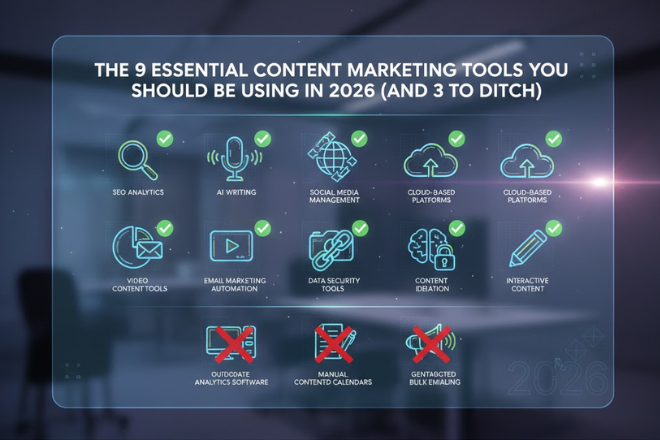
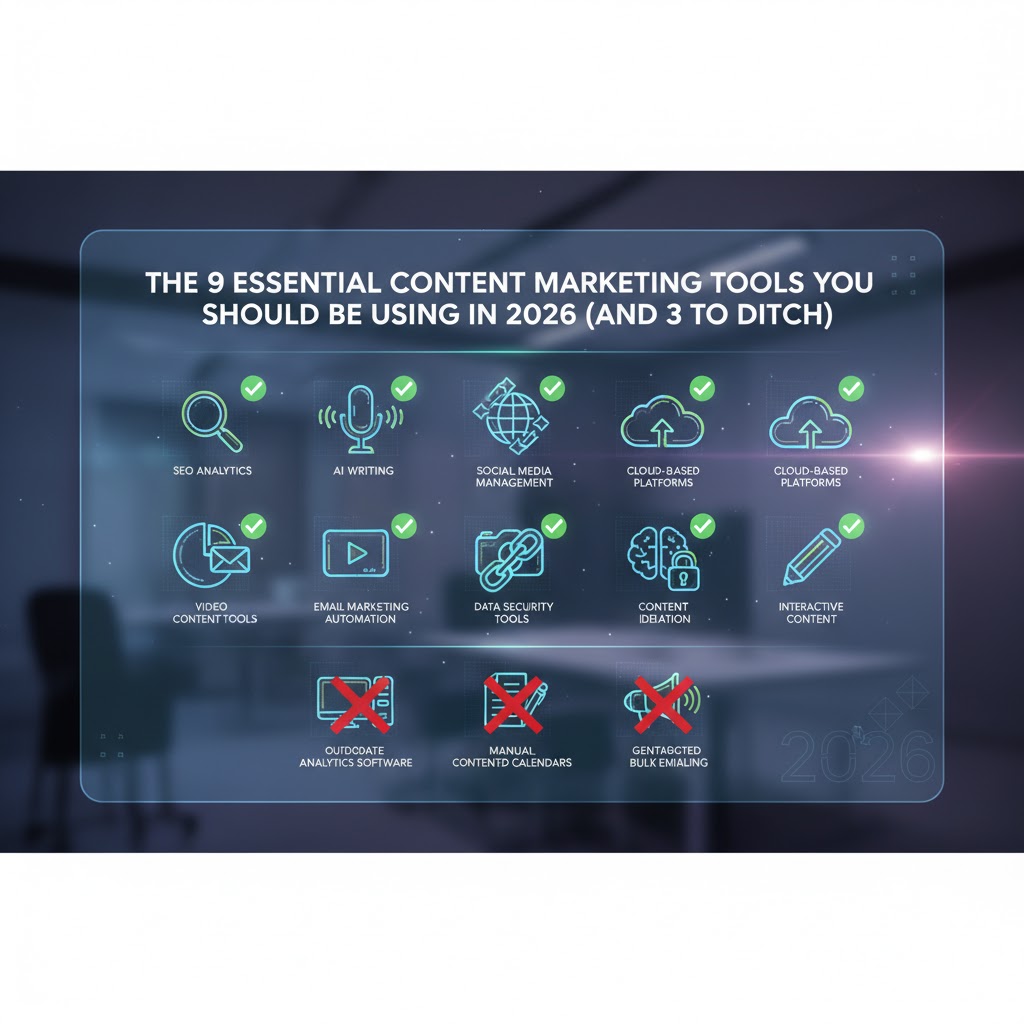
Content Marketing Tools You Should Be Using in 2026 (And 3 to Ditch)
Let’s be honest. Your browser bookmark bar is a mess, you’re paying for at least five subscriptions you haven’t used in a month, and you just heard about another new AI tool that promises to change everything. Sound familiar?
You’re not alone. We call it "tool fatigue," and it’s the biggest barrier to an efficient content marketing workflow. As a website owner or blogger, you're led to believe that more tools equal better results. The opposite is true.
By 2026, the winners in the content game won’t be the ones with the biggest software budget. They'll be the ones with the leanest, smartest stack. This isn't just another "best content marketing tools" list. This is your guide to decluttering your workflow and focusing on what actually works.
The "Job" of Your Toolkit (Not Just the Tool)
Stop thinking about tools and start thinking about jobs. A successful content process only has four key jobs. Your tools should serve them, not the other way around.
- Job 1: Planning & Ideation. What will you create and when?
- Job 2: Creation & Optimization. How will you write it and make it rank?
- Job 3: Distribution & Promotion. How will you get it in front of people?
- Job 4: Analytics & Measurement. Did it work, and why?
That's it. Here are the essential tools to get those four jobs done in 2026.
Category 1: Planning & Ideation Tools
1. Trello (The Visual Workflow Manager)
Stop using a messy spreadsheet for your content calendar. Trello is the digital equivalent of a whiteboard with sticky notes. It’s a simple, visual way to move your content from "Idea" to "Drafting" to "Published." It's one of the best free content marketing tools for small teams and solo bloggers to stay organized without the overwhelm.
2. AlsoAsked (The "What Do They Want?" Finder)
Modern SEO is about answering questions. This tool scrapes Google's "People Also Ask" boxes to show you the exact questions your audience is searching for, all in a visual map. Instead of guessing a keyword, you can build an entire article that directly answers your user's pain points.
Category 2: Creation & Optimization Tools
3. Grammarly (Your 24/7 Human-Voice Editor)
As AI-generated "fluff" floods the internet, Google's Helpful Content Update is rewarding a clear, human, and authoritative voice. Quality and trust (part of E-E-A-T) are paramount. Grammarly is your first line of defense. It's more than a spell-checker; it's a tone-detector and a clarity-enhancer that ensures your content sounds like a human expert, not a robot.
4. Canva (The Non-Designer's Design Studio)
Your blog post isn't just text. It’s the featured image, the social media promotion cards, the infographic in the middle, and maybe even a short video clip. Canva is the essential content creation tool for building all these assets without needing a design degree. Its new AI-powered "Magic" features make the process even faster.
5. SurferSEO (The On-Page SEO Brief Builder)
Stop "guessing" what Google wants to see. Surfer analyzes the top-ranking pages for your target keyword and gives you a data-driven blueprint. It tells you which related terms to include, the ideal word count, and how to structure your article. It turns ranking from an art into more of a science.
Heads up: A tool like Surfer is powerful, but it's only half the battle. You still need a human-first strategy to weave those keywords into a compelling story. If you're stuck, our Content & On-Page SEO Services can take that from brief-to-published-post for you.
Category 3: Distribution & Promotion Tools
6. Buffer (The Social Media Automator)
A great article deserves to be seen more than once. As one of the best content tools for social media, Buffer (or a similar tool like Later) lets you schedule your posts across all your platforms from one dashboard. You can "batch" your social media work into one hour a week, letting the tool automate the rest. A "publish and pray" strategy doesn't work; a distribution strategy does.
7. ConvertKit (The Creator's Email Engine)
Your email marketing tools are critical because your email list is the only audience you truly own—you can't be de-platformed or lose it to an algorithm change. ConvertKit is built specifically for creators and bloggers. It's fantastic for building simple, automated funnels that nurture new subscribers and turn them into loyal fans.
Category 4: The "All-in-One" Platforms
8. HubSpot Content Hub (The Enterprise Consolidator)
This is the big trend for 2026: consolidation. For businesses tired of 10 different logins, the HubSpot Content Hub (both Professional and Enterprise) is a content marketing platform that aims to replace your CMS, email, social, and analytics tools. It's a significant investment, but it's powerful because it unifies all your customer data in one place.
A word of warning: Migrating to a massive platform like HubSpot is a huge technical SEO project. If you're even considering a move, please read our Ultimate Guide to Technical SEO to avoid common and costly migration disasters.
9. Google Analytics 4 (The Non-Negotiable Report Card)
By 2026, Google Analytics 4 is the standard. You simply must understand it. Unlike its predecessor, GA4 is built to measure user journeys (events), not just pageviews (sessions). It's the only way to truly know: Did they read? Did they click? Did they convert? If it's not set up correctly, you are flying blind.
The 3 Tools You Should Ditch in 2026
Just as important as what to use is what to stop using. Free up your budget and speed up your site by ditching these:
- Bloated, "All-Purpose" WordPress Themes. That theme you bought on a marketplace might look pretty, but it's likely loading hundreds of scripts you don't need. Switch to a lightweight, block-based theme.
- Every. Single. New. AI. Writer. Stop trying to find a tool to write for you. Use AI to assist you. Use it to brainstorm outlines, polish paragraphs, or summarize research. Don't "generate and post."
- Unnecessary, Single-Function Plugins. Does your theme already create a Table of Contents? Then you don't need a separate plugin for it. Plugin bloat is the #1 cause of a slow WordPress site.
If that last point sounds familiar, your tool "fatigue" might actually be "tool bloat." It's the most common problem we find. A good first step is our WordPress Speed Optimization service to clean it up.
Your Strategy Is the Real "Tool"
The best content marketing stack for 2026 isn't about having more tools. It's about building a smarter, leaner workflow that you will actually use. You don't need all nine of these. Start with one from each category that solves your biggest bottleneck.
Feeling overwhelmed by your current setup? It might be time for an audit. A WordPress SEO Audit is the best way to see what's working, what's bloated, and where your biggest opportunities are.
Frequently Asked Questions
What are the best free content marketing tools for a small business?
For a small business in 2026, the best free stack starts with: 1. Trello for content planning. 2. Google Analytics 4 for analytics. 3. The free version of Canva for design. 4. Google Search Console for SEO insights. 5. The free tier of an email provider like MailerLite or ConvertKit.
What is a content marketing platform vs. a content tool?
A 'tool' typically does one job very well (e.g., Trello for planning, Grammarly for editing). A 'content marketing platform' (like HubSpot Content Hub or Semrush) tries to combine multiple tools—planning, creation, optimization, and analytics—into one single interface. Platforms are more expensive but can be more efficient for larger teams by unifying data.
Do I really need HubSpot Content Hub?
For most solo bloggers and small businesses, no. HubSpot Content Hub (especially the Professional or Enterprise tiers) is a powerful, expensive platform designed for mid-to-large businesses that need to consolidate their marketing, sales, and service data. You can build a highly effective and much cheaper stack using individual, specialized tools.
How do content tools affect my website's SEO?
Content tools affect SEO in two ways. 1. (Good) Tools like SurferSEO or Google Search Console give you data to create content that better matches search intent, which helps you rank. 2. (Bad) Too many WordPress plugins (a type of tool) can add 'code bloat,' slowing down your site. A slow site leads to a poor user experience, which directly hurts your Google rankings.


