

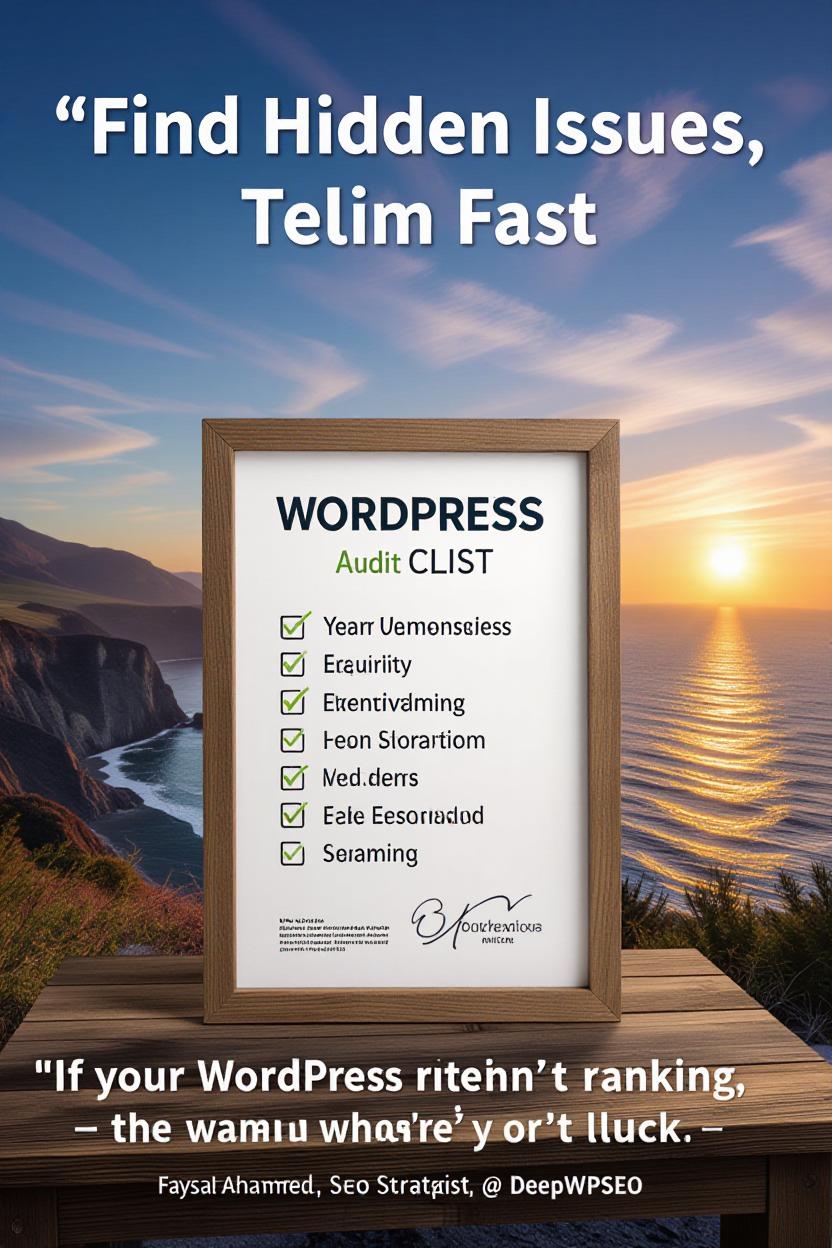
Find Hidden Issues, Fix Them Fast & Boost Your Rankings
“If your WordPress site isn’t ranking, the problem isn’t luck — it’s what you’re not checking.”
Why Every WordPress Site Needs an SEO Audit
Most WordPress websites look fine on the surface — fast, clean, and modern. But deep down? They’re carrying hidden SEO errors, missing tags, broken links, slow scripts, and messy metadata that silently kill rankings.
A WordPress SEO audit isn’t just about finding problems — it’s about building clarity and control over your online presence. It’s what separates sites that rank from sites that vanish on page 3.
Step-by-Step WordPress SEO Audit Checklist
Below is your full SEO audit roadmap — covering technical, on-page, and user experience areas. You can download it, or even use it to compare your site’s health before hiring DeepWPSEO for a full recovery service.
1. Technical SEO Audit
The foundation of your rankings starts with technical SEO. Even one wrong setting in WordPress can block your site from being indexed.
| Check | Action | Tool |
|---|---|---|
| Site Indexing | Make sure “Discourage search engines” is unchecked in WordPress settings | WP Admin → Settings → Reading |
| XML Sitemap | Generate using Rank Math or Yoast SEO plugin | Google Search Console |
| Robots.txt | Confirm correct crawling rules/robots.txt | /robots.txt |
| HTTPS Status | All pages must load over SSL | WhyNoPadlock / Ahrefs |
| Mobile-Friendly Test | Responsive design across devices | Google Mobile Test |
| 404 & Redirects | Fix broken pages, apply 301 redirects | Screaming Frog / RankMath |
| Core Web Vitals | Test LCP, FID, CLS | PageSpeed Insights |
2. On-Page SEO Audit
Every page should be optimized with purpose — not stuffed with random keywords.
| Element | What to Check | Ideal Practice |
|---|---|---|
| Title Tags | Use target keyword once | 50–60 characters |
| Meta Description | Write click-inviting summaries | 145–155 characters |
| Headings (H1–H6) | Use logical structure | Only one H1 per page |
| Content Quality | Human-written, informative, natural tone | 800+ words minimum |
| Images | Add descriptive ALT text | Compress before upload |
| Permalinks | Keep short & keyword-focused | example.com/wordpress-seo-audit |
| Internal Linking | Connect relevant pages | Use natural anchor text |
| Schema Markup | Add Article, Product, or FAQ schema | RankMath / Schema.org |
“Google doesn’t rank websites. It ranks experiences.”
3. Off-Page SEO & Authority
Your backlinks, citations, and brand signals determine how trustworthy your site looks to Google.
- Audit backlinks for toxic domains using Ahrefs
- Build fresh links from niche-related blogs
- Claim business listings (Google Business, Yelp, etc.)
- Ensure consistent NAP (Name, Address, Phone)
- Encourage reviews from real customers
- Promote content via social signals (LinkedIn, Facebook, X)
“Authority isn’t bought — it’s built link by link.”
4. Content Audit
You don’t need more content — you need optimized content. Check your existing pages for performance and intent.
- Identify top 10 performing pages via GA4
- Rewrite outdated posts with current data
- Add missing keywords using SurferSEO or RankMath suggestions
- Check keyword cannibalization
- Add internal links from low-performing to top pages
- Use conversational tone & include FAQs
5. Multilingual & International SEO (Optional Bonus)
If you target multiple countries or languages (like DeepWPSEO does):
- Add hreflang tags for each language
- Translate URLs, titles & metadata
- Avoid auto-translation — always review by native experts
- Set country targeting in Google Search Console → International Targeting
6. User Experience & Design Check
SEO isn’t just technical — it’s emotional. If visitors don’t feel good on your site, they won’t stay.
- Mobile design is responsive
- Fonts are readable
- Navigation is simple (max 3 clicks to key pages)
- Buttons are visible & consistent
- Clear CTAs: “Get a Free SEO Audit” or “Book Consultation”
- Trust badges, client logos, and testimonials visible
“A site that’s loved by users will always be respected by Google.”
7. Analytics, Tracking & Reporting
Without data, you’re blind. You must measure every move to understand growth.
| Tool | What It Tracks |
|---|---|
| Google Search Console | Impressions, clicks, CTR, errors |
| GA4 | Traffic source, engagement, conversions |
| Looker Studio | Visual SEO performance reports |
| Ahrefs | Keyword rankings, backlinks, and content gaps |
8. Bonus: Monthly SEO Maintenance Checklist
SEO is not a one-time job — it’s a living system. Do this monthly to keep your WordPress site in top shape:
- Update plugins & theme
- Re-check indexing in Search Console
- Re-submit sitemap
- Review Core Web Vitals
- Fix new broken links
- Refresh 2 old blog posts
- Monitor keyword ranking trends
- Backup website regularly
FAQ: People Also Ask
Every 3–6 months, depending on how often you update content or plugins.
Google Search Console + Screaming Frog (free up to 500 URLs).
Yes, but professional audits catch deeper issues with schema, crawl depth, and site speed.
Full technical scan, keyword gap analysis, content audit, competitor comparison, and an action plan built for ROI.
Final Words: Audit Before You Optimize
Your website is like a car. No matter how beautiful it looks — if the engine isn’t tuned, it won’t go far. A WordPress SEO audit is that tune-up. It finds every small issue that silently drains your visibility, performance, and profit.
“SEO isn’t about chasing algorithms — it’s about building a site that deserves to be found.”
So go through this checklist, or let DeepWPSEO handle it for you with expert precision. Because sometimes, what’s broken isn’t visible — until you look deeper.


